How to set up IPTV Bears on an Amazon Fire TV Stick
On a Fire TV Stick running Fire OS, you install the free Downloader app, let only Downloader install apps, then use it to fetch a player such as TiviMate or IPTV Smarters from the developer's own website. After that you sign in with the details we send you. It takes about 10 minutes.
By the IPTV Bears support team. Reviewed .
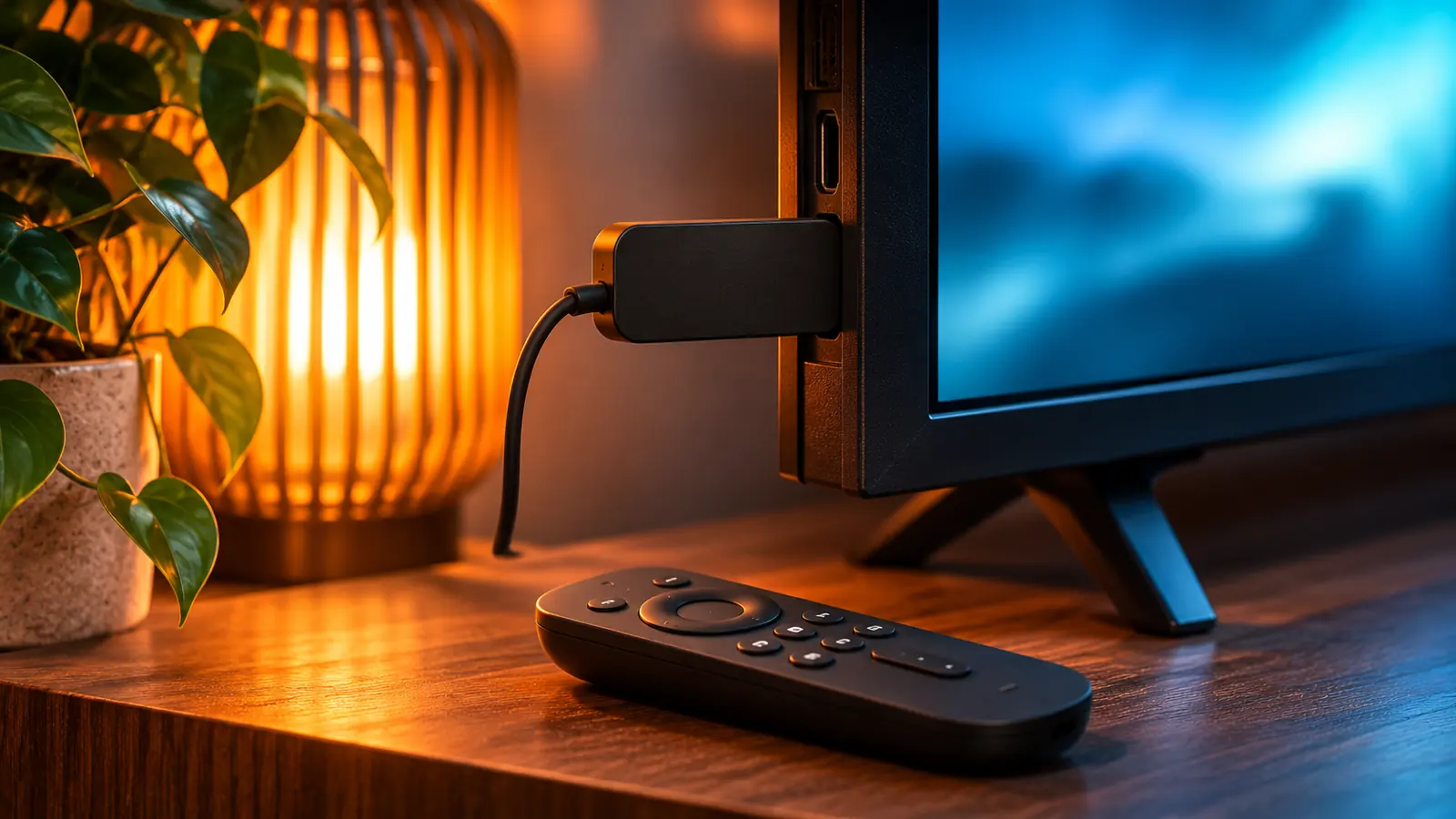
Check which Fire TV you have first
Most Fire TV Sticks, Fire TV Cubes and Fire TV smart TVs run Fire OS, which is based on Android and can install player apps from outside the Amazon Appstore. Some newer models released from 2025, such as the Fire TV Stick 4K Select, run Amazon's Vega OS instead. Vega OS can't install Android app files, so the Downloader method below won't work on it.
Not sure? Open Settings → My Fire TV → About. If you can't follow the steps below, message us on WhatsApp with your model name and we'll suggest an app from the Amazon Appstore that suits your device.
Step 1: Install Downloader
- From the Fire TV home screen, open Find (or the magnifying-glass Search icon).
- Type Downloader, or hold the voice button on your remote and say “Downloader”.
- Choose Downloader by AFTVnews (orange icon) and select Get or Download.
Step 2: Turn on Developer Options
Amazon hides the setting that lets apps be installed from outside its store. You unlock it once.
- Open Settings (the gear on the right of the home screen).
- Select My Fire TV (on some versions it's called Device & Software), then About.
- Highlight your device name, for example *Fire TV Stick 4K*, and press Select on the remote seven times quickly.
- A message confirms that Developer Options are on. If it says you're already a developer, that's fine too.
Step 3: Allow Downloader to install apps
- Press Back once, then open Developer Options.
- Select Install Unknown Apps (older software calls it Apps from Unknown Sources).
- Find Downloader and switch it On. Leave every other app switched off.
- Open Downloader and choose Allow when it asks for access to files, then OK on its quick-start screen.
Step 4: Install a player app
Type one of these codes into Downloader's search box and select Go. Each code is a shortcut to the developer's own download link; you can type the full address instead if you prefer. We last checked where each code leads on November 26, 2026.
| App | Downloader code | Where the code leads |
|---|---|---|
| TiviMate | 272483 | https://files.tivimate.com/tivimate.apk |
| IPTV Smarters Pro | 6468112 | https://www.iptvsmarters.com/iptv-smarters-5.0.apk |
| IBO Player Pro | 481220 | https://iboproapp.com/ibopro.apk |
- When the download finishes, select Install, then Done.
- Downloader offers to delete the installer file. Choose Delete to free up space; the app stays installed.
- Go back to Developer Options → Install Unknown Apps and switch Downloader off again.
Which app? TiviMate looks and feels most like a cable box guide; some of its features, such as recording and multi-view, need the developer's paid Premium upgrade. IPTV Smarters Pro has a simple tile menu for Live TV, Movies and Series. IBO Player Pro is set up from a phone or computer through the developer's website, which saves typing with the remote; the developer may charge its own activation fee after a trial. None of these apps include channels, and we're not affiliated with any of them. Our IPTV player comparison goes deeper.
The login details your app will ask for
Once your IPTV Bears trial or subscription is set up, our team sends you the details for your app. In TiviMate choose Add Playlist, in IPTV Smarters choose Add User, then pick the matching login type:
- Xtream Codes API: a server address (including the port number, for example
http://line.example.com:8080), a username and a password. This is the most common option. - M3U playlist: one long web address that lists every channel.
Type everything exactly as we send it. TV keyboards often add a space at the end of a field, which is the most common reason a login fails. In TiviMate, switch Include VOD on to see movies and series, and give the guide a minute or two to load the first time.
If something doesn't work
- Downloader shows an error for a code: check the digits, or type the full web address from the table instead. See Downloader and app install problems.
- The app says the login is wrong: see IPTV login errors.
- Channels stop and start: see fixing buffering and freezing.
Questions people ask
Do I need a VPN to use IPTV Bears on a Fire TV Stick?
No. A VPN isn't needed to install the apps or to sign in. If you already use one and Downloader can't reach a link, try again with the VPN paused.
Which Fire TV Stick works best for IPTV?
Any current Fire OS model handles regular HD streams. For 4K content, a 4K-capable stick and a 4K TV are needed, and a wired or strong Wi-Fi connection helps most.
Can I use the same subscription on my Fire TV and my phone?
Yes. Each connection on your plan is one screen streaming at a time, so a 2-connection plan lets the Fire TV and a phone watch at the same moment.