What is IPTV? A plain-English guide to internet TV
IPTV (internet protocol television) delivers TV channels and on-demand video over your internet connection instead of a cable, satellite dish or antenna. You watch it through a player app on a device such as a Fire TV Stick, smart TV, phone or computer, using login details from an IPTV provider.
By the IPTV Bears support team. Reviewed .
IPTV in one sentence
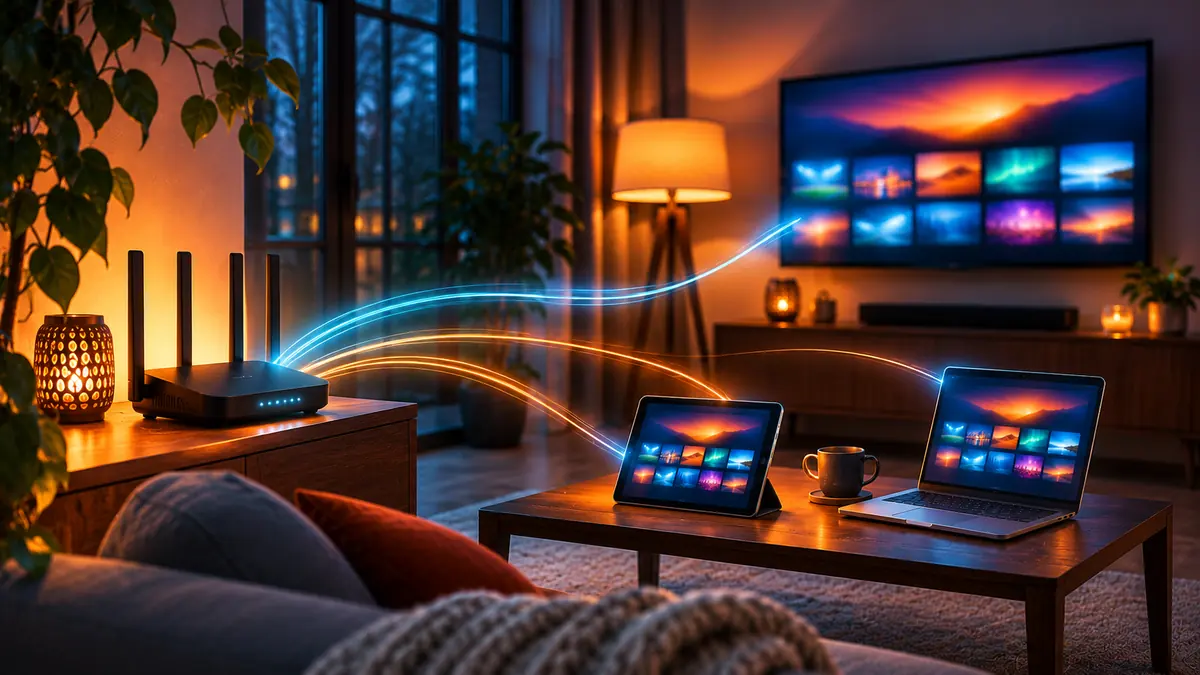
IPTV sends television over the same internet connection you use for everything else. Instead of tuning to a frequency, your device requests a channel or a film, and it arrives as a stream of data.
How IPTV works at home
There are three pieces:
- A provider, such as IPTV Bears, that organizes the channels and on-demand library and gives you login details.
- A player app on your device — TiviMate, IPTV Smarters, UHF and many others. The app is the remote-control interface: channel list, TV guide, search. It contains no channels on its own.
- An internet connection fast and steady enough to carry video. See how much speed you need.
You put the provider's login into the app — usually as Xtream Codes API details or an M3U link (what those are) — and the app builds a channel list and guide from it.
Live TV, on-demand and the TV guide
- Live channels play as they're broadcast, like a cable channel.
- On-demand (VOD) movies and series start whenever you choose.
- The EPG (electronic program guide) is the grid showing what's on now and next. It's downloaded separately from the channels, which is why it sometimes takes a minute to appear.
IPTV vs cable, satellite and streaming apps
| Cable / satellite | Streaming apps | IPTV | |
|---|---|---|---|
| How it arrives | Coaxial cable or dish | Internet | Internet |
| Equipment | Provider's box | Any supported device | Your own device and a player app |
| Contracts | Often 12–24 months | Usually monthly | Depends on the provider; ours are prepaid with no auto-renewal |
| Live channels | Yes | Mostly on-demand | Yes, plus on-demand |
We compare costs and trade-offs in more detail in IPTV vs cable.
What you need to get started
- A compatible device: Fire TV, Android TV or Google TV, Samsung or LG smart TV, Apple TV, iPhone, iPad, Android phone, Windows PC or Mac.
- A player app for that device — our setup guides show which ones work where.
- Login details from a provider. With IPTV Bears, you can request a free 24-hour trial first.
A word on choosing a provider
IPTV is a delivery technology, and providers vary a lot in quality and honesty. Look for clear prices, a real trial, a written refund policy and reachable support. Our checklist on choosing an IPTV provider covers the warning signs.
Questions people ask
Is IPTV the same as a streaming app?
They overlap. Both use the internet, but IPTV services focus on live TV channels with a TV guide, plus on-demand titles, viewed through a player app you choose.
Do I need a special box for IPTV?
No. Most people use a device they already own, such as a Fire TV Stick, smart TV, phone or computer, with a free or low-cost player app.